GAN16 ui Review: GAN's Flagship Smart Cube Put to the Test
TL;DR & Overview
GAN16 ui
Score
Pros
Cons
Specifications
Introduction
Is the GAN16 ui the smart cube for people who would otherwise never buy a smart cube? That is the pitch: take the GAN 16 Max, one of the best-regarded flagship 3x3s of the last two years, and put the full electronics stack inside without giving up the feel. After the mid-range GAN i4 impressed us earlier this summer, the question is whether the top of GAN's lineup justifies twice the money. We solved on it for several weeks, including fast TPS abuse, tension experiments and plenty of sloppy turning, which for once we can blame on science rather than on ourselves. Here is what we found.
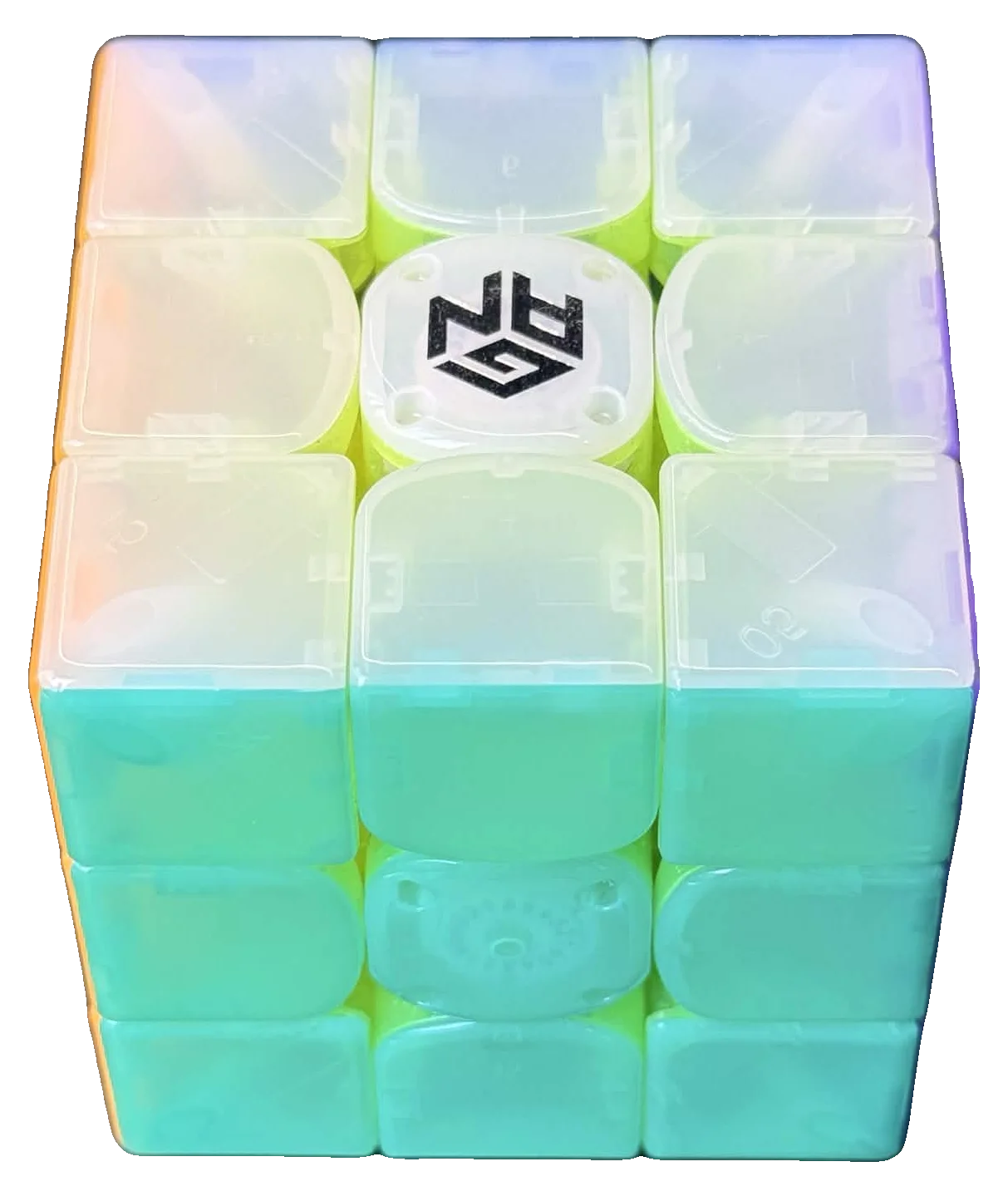
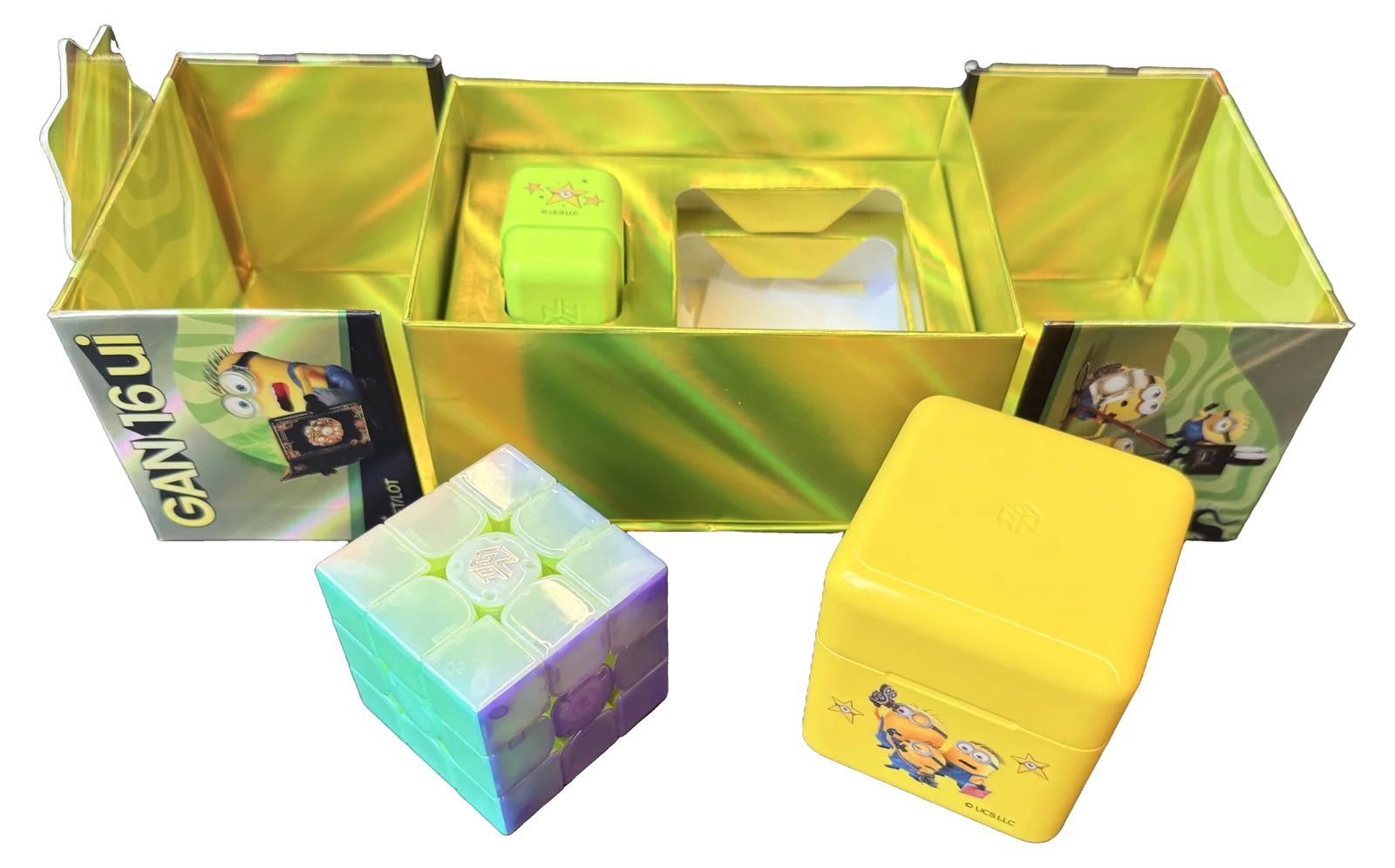
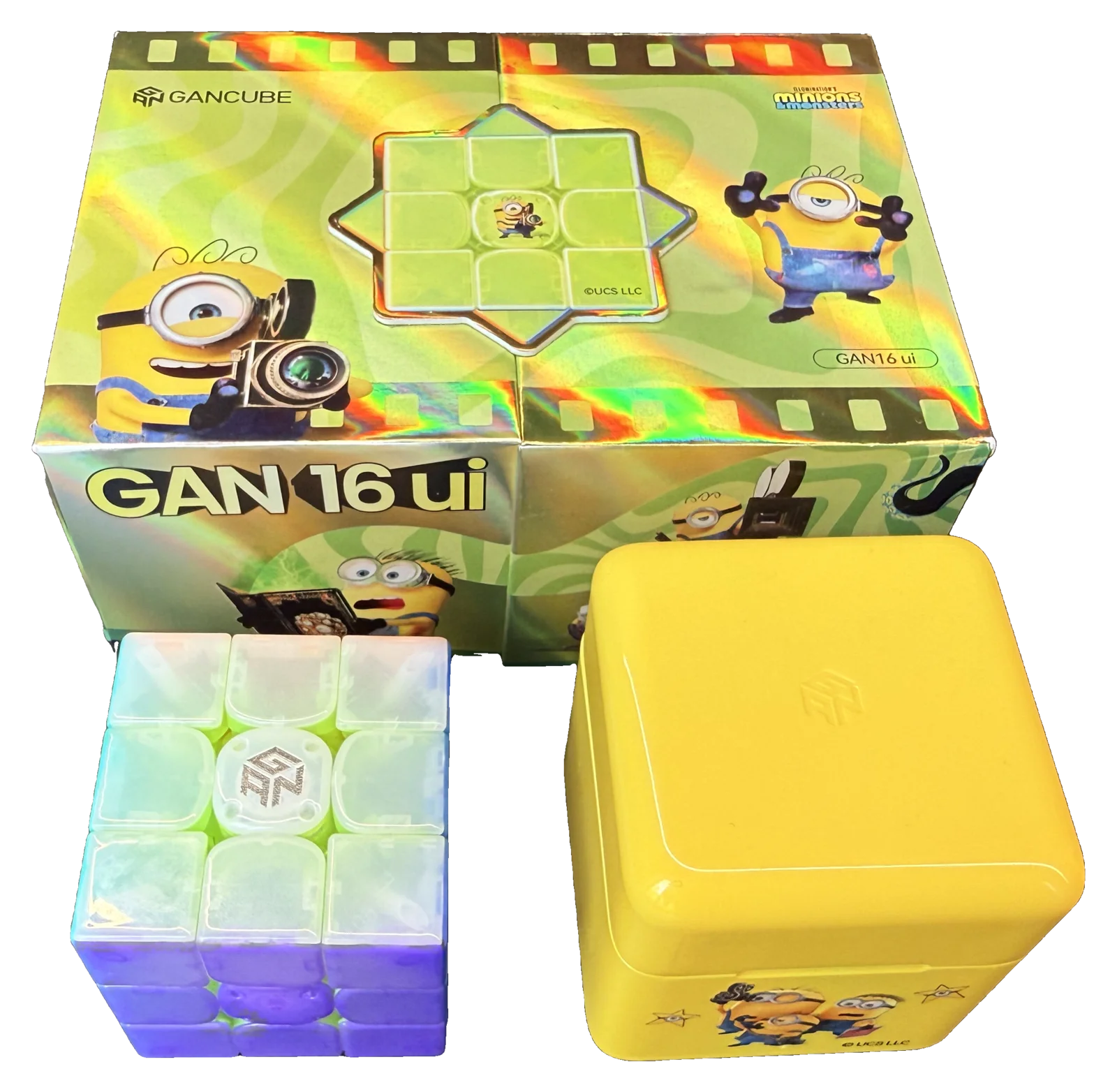
A quick note on the lineup. The 16 ui currently ships in a single mechanical configuration: a MagLev core with a UV coated surface, available as a standard stickerless cube or as the Minions Edition. Our test unit is the Minions Edition pictured here: mechanically the same cube in a themed color scheme with an optional sticker sheet, so everything below applies to the standard version just the same.
Build Quality and First Impressions
In the box: the cube, the Premium GanPod charging case, a USB-C cable, a cloth cube bag, an identity card, the tuning and cap-opening tools and a manual. Our Minions unit adds the sticker sheet. It is the standard GAN flagship unboxing, clean and complete, but nothing beyond that. For $139.99 we would not have minded a spare part or two.
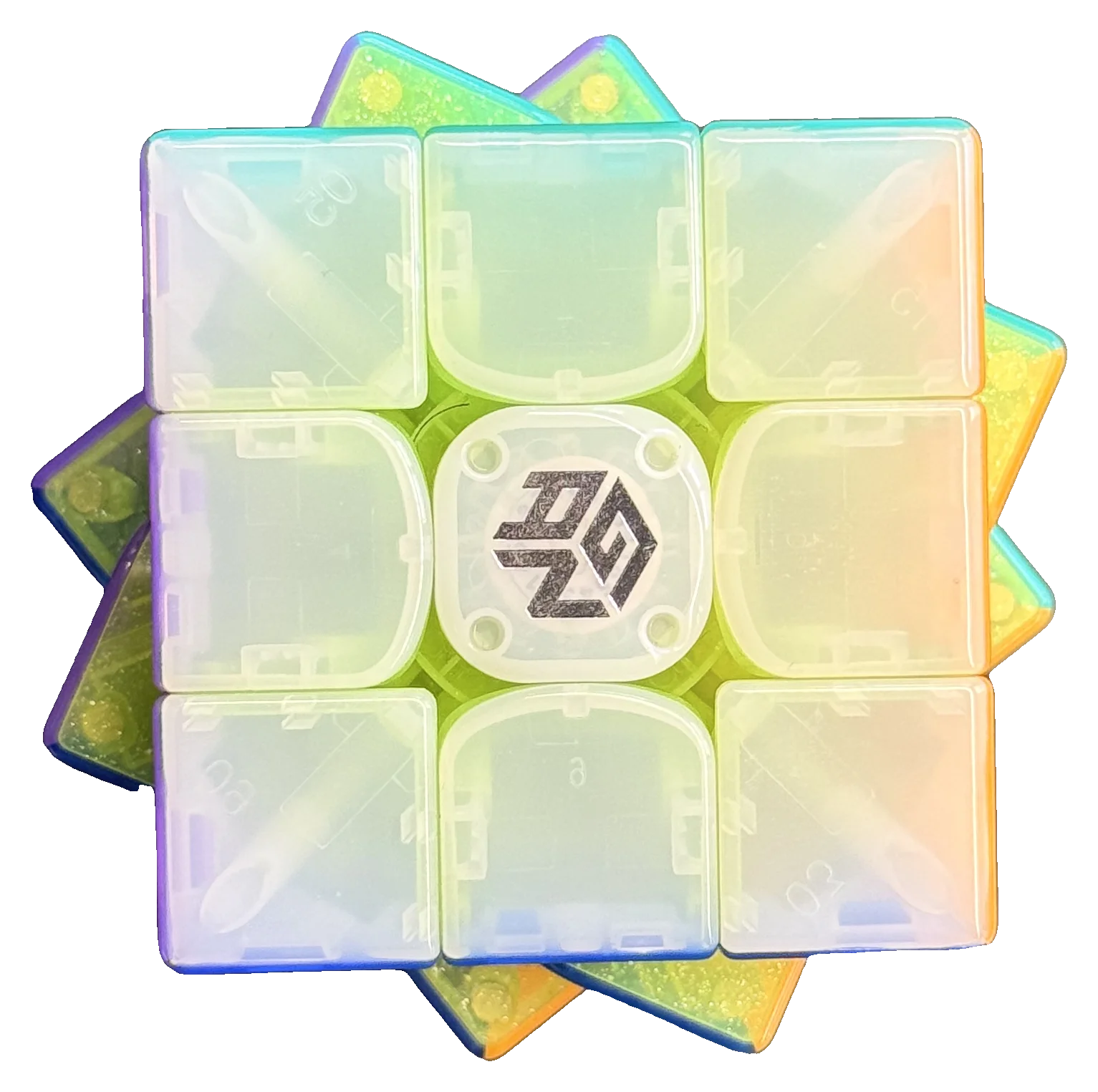
At about 71 g the 16 ui is not a featherweight, but it sits comfortably in the normal range for a 56 mm 3x3 and the mass is spread evenly across the puzzle. The balance in hand is excellent, on par with premium non-smart cubes, and there is nothing about the weight distribution that gives away the electronics inside. The plastic deserves its own mention: it feels premium, with none of the creak we noted on the i4.
Charging and the GanPod
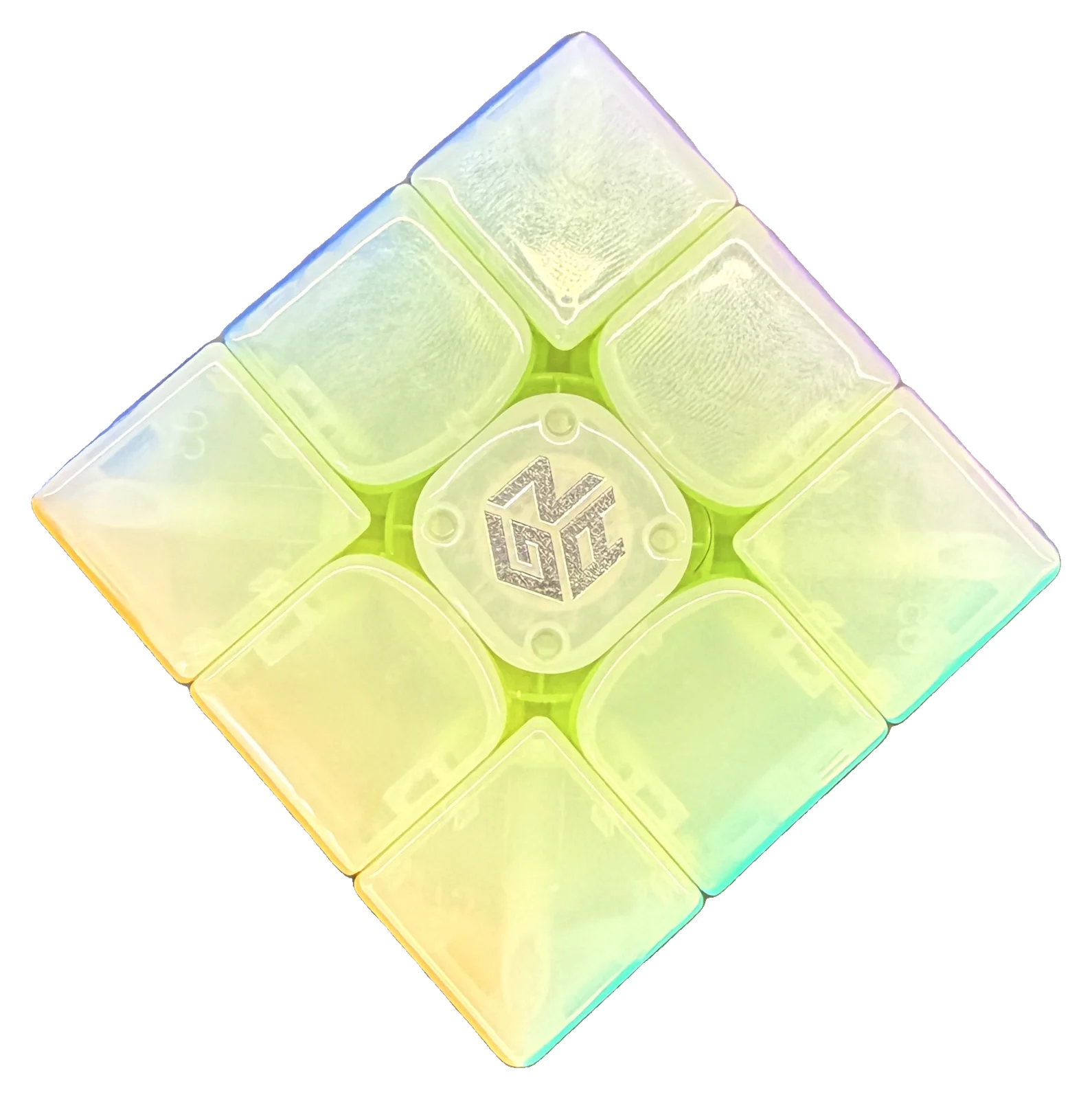
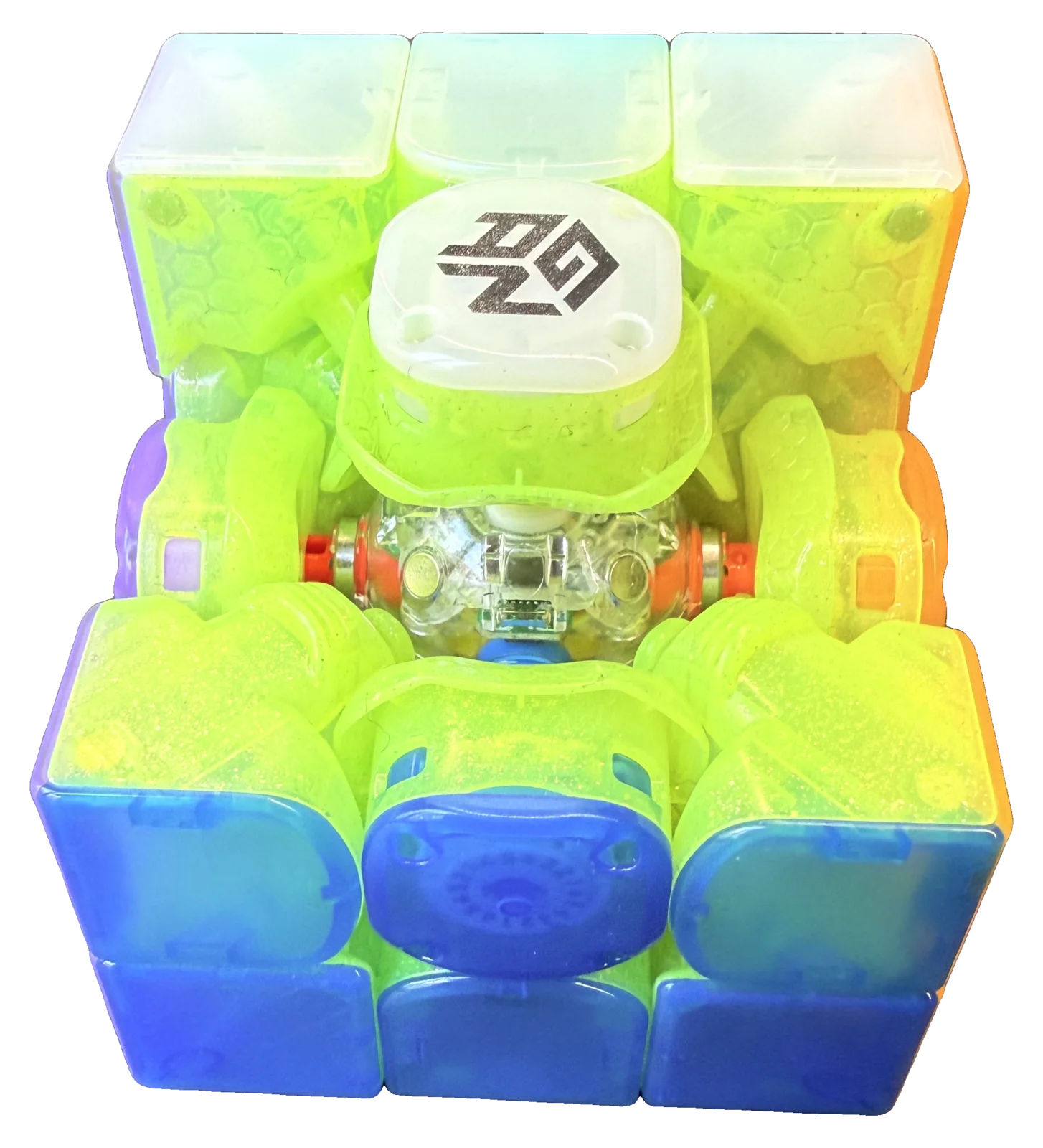
Charging works the same way as on the i4: pogo pins on one center cap, drop the cube into the pod and it charges. The difference is the pod itself. The 16 ui ships with the Premium GanPod, which carries its own battery, so the case doubles as a power bank for the cube. GAN quotes around 15 hours of solving on the cube alone and up to 120 hours with the pod's reserve, charged over USB-C.
Fifteen hours on the cube itself is ordinary for a flagship, and it is the pod doing the heavy lifting. In day-to-day use that did not bother us, the cube lives in the pod between sessions and we never ran it empty, and our impression of the runtime is in line with other recent GAN smart cubes. But if you were hoping the top of the range would also top the battery chart, it does not.
Turning Feel and Magnets
This is where the 16 ui earns its price. The feel is noticeably more blocky and smooth than other GAN cubes, closer to what MoYu fans are used to, and it is very good straight out of the box: no break-in, no lube needed. It suits basically any solving style, with one exception. If you like a sandy, crunchy feel, this is not your cube. Everyone else will struggle to find a better-turning GAN.
The magnets are on the medium-weak side out of the box. During normal solving you do not feel a snap at all; it only becomes noticeable when you deliberately do single turns and pay attention. What you get instead is a cube that aligns precisely with very little force, which is the whole point of the MagLev setup. It is a tuning for control, not for tactile feedback.
On sound: the 16 ui is quiet to medium in volume and has a rather deep sound for a GAN cube, more thud than click. It is satisfying, and a welcome change from the higher-pitched clatter GAN cubes are known for.
Tensioning and Adjustability
Tensioning uses the GES Pro+ system: six center travel distances times twelve magnetic tension settings, 72 combinations in total, adjusted through the center caps. These are the typical GAN high-end settings, and the cube responds to them; it feels very dynamic across the range, which is more than we could say for the i4.
One caveat, though: the corner magnets are fixed. The regular GAN 16 Max lets you swap them, the 16 ui does not, so you end up with fewer tuning options than on the non-smart cube it is based on. If you bought a 16 Max specifically to tune the magnets, be aware that door is closed here.
Corner Cutting and Stability
Corner cutting is flagship grade. Forward cuts land reliably at 45° and reverse cutting is comfortable at 35°. Lockups: none. Catching: none. Across the entire test period the cube simply never got in the way of a turn.
Stability is the other headline. Pops: none, at any tension we tried. Corner twists: none during testing, though we would expect them to become possible on the loosest settings. Even with fast, deliberately inaccurate turning the 16 ui stays structurally planted, and that stability is probably the single biggest reason it feels like a premium cube rather than a premium gadget.
Smart Features and Tracking
Bluetooth pairing is quick and the connection stayed solid for us across weeks of sessions. More importantly, across the whole test period, including deliberate fast bursts above 8 TPS, the 16 ui did not drop a single move. Every turn registered correctly, and we saw no direction confusion, no U logged as U', and this was the case both in acubemy and in the native GAN app.
The gyroscope provides full 360° orientation tracking, so solve reconstructions include rotations and not just move lists. GAN positions the 16 ui as a step up from the 12 UI in both tracking and gyro quality. In our hands it delivered exactly what we need for orientation-aware reconstruction and rotation statistics, with nothing to complain about.
For completeness: GAN pairs the 16 ui with an exclusive solve reconstruction view and an AI coaching assistant called PiPi in its own CubeStation app, which generates performance insights and training plans from your solves. We do our analysis in acubemy, so we did not put those features through their paces; if you live in GAN's ecosystem, they are part of the package.
Upgrading from a GAN 12 UI or a GAN 16 Max?
Two groups are most likely to be eyeing this cube. The first owns a GAN 12 UI and wants to know if the flagship badge moved. The second owns a GAN 16 Max and wants the same cube with data.
- From the 12 UI: the 16 ui trades the 12's light, fast character for more self-alignment and control, and the plastic and sound are a clear step up. If the 12 UI felt a touch too loose or too loud for you, this is the fix.
- From the 16 Max: the turning feel survives the transplant intact, which is the best thing we can say about a smart cube. What you give up is the swappable corner magnets, so treat the 16 ui as a fixed-magnet 16 Max with a gyro inside.
And if this would be your first smart cube: the 16 ui is the ceiling, not the entry point. The i4 gets you a gyro and pod charging for half the money, and the iCarry 4 covers timing and move tracking for a quarter of it.
Who Should Buy the GAN16 ui?
Pros and enthusiasts who want the best of the best and do not care about the price tag. For them the recommendation is easy: this is a main-cube-quality flagship that happens to record everything, and the turning feel alone would justify it as a main even with the electronics switched off.
For everyone else the math is less kind. At $139.99 you are paying roughly double the i4 for a better feel, better plastic and more stability, while the data stack, the tracking and the gyro, is something the i4 already does well. If the analytics are what you are after, the i4 is the rational choice. If the cube itself is what you are after, the 16 ui is the one you actually want.
Bottom Line
The GAN16 ui is the best-turning GAN smart cube we have tested and very possibly the best-turning GAN cube of any kind. Premium feel, flawless tracking and stability are the three things it gets unambiguously right. Against that stand a flagship price, a battery that is merely fine, fewer tuning options than the 16 Max it is based on and a box with nothing special in it. None of those are deal-breakers for the audience GAN is aiming at. If you want the top of the range and you can stomach $139.99, you will not be disappointed.
Transparency note: GAN provided the GAN16 ui Minions Edition. GAN had no editorial control over the result; the testing, measurements, scores and conclusions above are entirely our own. Want to see what your solves look like with gyro data? Try acubemy with any supported smart cube.